Seems that you have configured your idp manually, not by using the discovery URL, which whould have inserted all URLs/endpoints automatically.
Now, open the “OpenID Connect metatdata document” in a browser, look for end_session_endpoint and enter this URL into the “Logout URL” field.
Once you are here, also enter the issuer and the userinfo_endpoint from the document in your Keycloak idp config and enable “Validate Signatures”.
This might also solve your other issue.
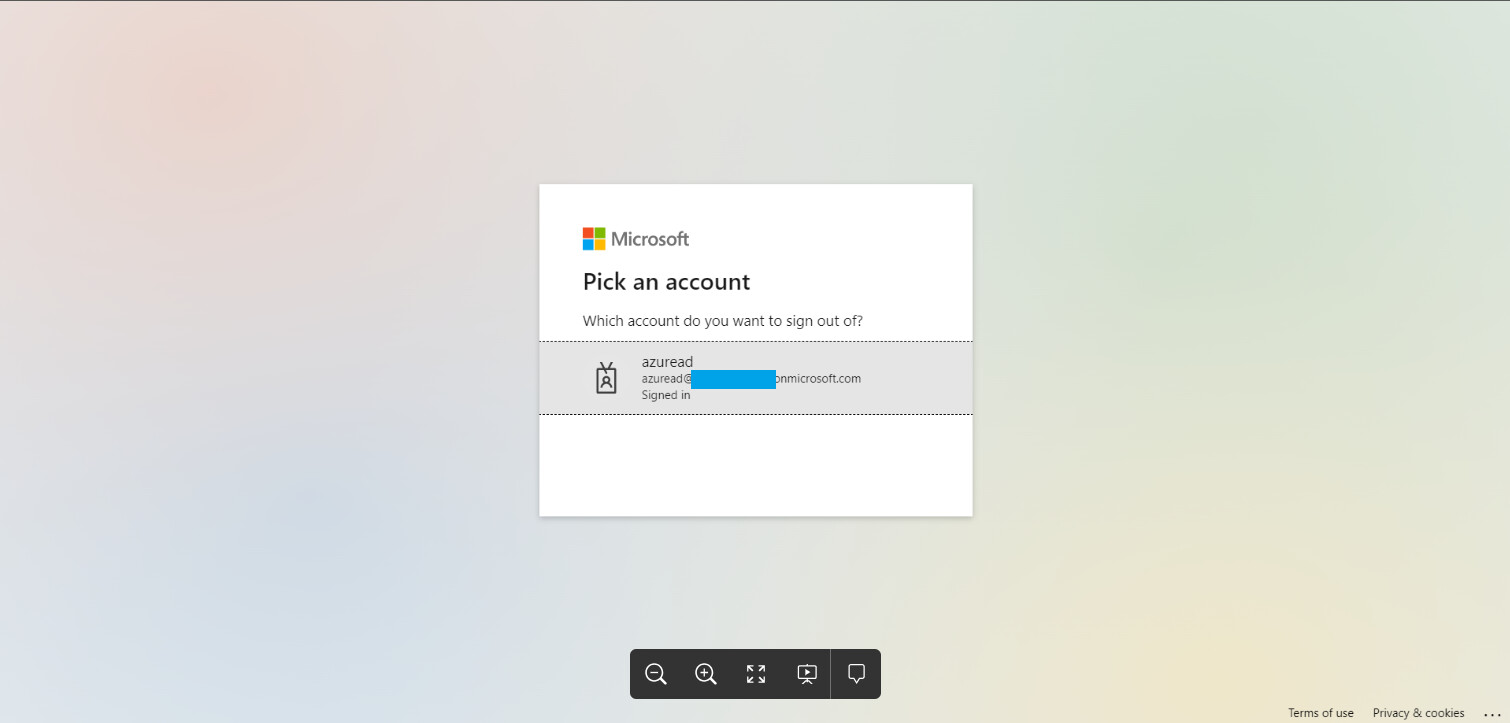
@dasniko Logout works successfully. However it redirects to logout page to request which account to logout. Is it possible to bypass this form and go direct to login form instead? Thanks